Server backups: create, restore, and manage backup limits
A backup is a saved copy of your server files. Make one before you change your version, install big plugins or mods, delete a world, or reinstall your server.
Create a backup
Section titled “Create a backup”- Open Backups in the left menu.
- Press Create Backup. A dialog opens with:
- Backup name: an optional label so you can find it later.
- Ignored Files & Directories: files or folders to leave out. If you leave it blank, the panel uses the
.pteroignorefile in your server’s main folder, if there is one. Wildcards work, and starting a path with!keeps something that would otherwise be ignored. - Locked: protects the backup from being deleted until you unlock it.
- Press Start Backup and wait for it to finish. A spinner shows while it works, and the backup appears in the list when it is done.
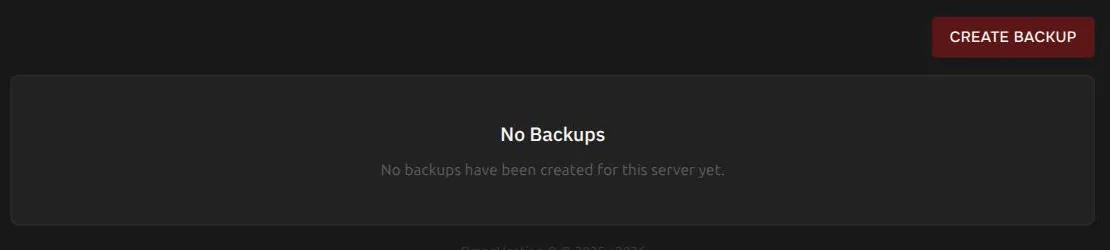
Each finished backup shows its name, its size (how big your server’s files were when the backup was made), a backup ID such as restic:..., a padlock if it is locked, and how long ago it was made. Backups are stored off your server in separate storage, and each new backup only stores what changed since the previous ones, so repeat backups are usually quick. Open the … menu on a backup for its actions. A locked backup shows Download, Restore, and Unlock.
How many backups do I get?
Section titled “How many backups do I get?”The number of backups depends on your plan. To see yours, open your service in the client area and look under Provisioning Limits.
When you reach the limit, you cannot create another backup by hand until you delete one. A scheduled backup works differently: it deletes your oldest unlocked backup to make room. If every backup is locked and you are at the limit, no new backup can be made.
Lock a backup
Section titled “Lock a backup”Locking protects an important backup from being deleted, by you or by a scheduled backup that needs room. Open the backup’s menu and choose to lock it. A locked backup cannot be deleted until you unlock it.
Download or restore a backup
Section titled “Download or restore a backup”Open the backup’s menu on the Backups page to download, restore, lock, or delete it.
When you restore a backup:
- The server is stopped first, and the panel tells you so.
- Power controls, the file manager, and new backups are unavailable until the restore finishes.
- There is an option to delete all files before restoring. If you leave it off, files from the backup overwrite files with the same name, and other files stay where they are.
- A download is prepared when you ask for it, so a large backup can take a while to download. Restoring does not have this delay.
Automatic backups
Section titled “Automatic backups”Use Schedules to run backups on a timer. See Schedules.
Before you cancel or reinstall
Section titled “Before you cancel or reinstall”Cancelling a service or using Reinstall Server can permanently delete your data. Download a backup first. See Cancel your service.