Console and power controls: start, stop, and live output
Power controls
Section titled “Power controls”The power bar at the bottom of the page has three buttons: Start, Restart, and Stop.
- Start boots the server.
- Restart stops the server and starts it again. It can also start a server that is offline.
- Stop asks the game to shut down cleanly, so it can save and exit.
- Kill appears in place of Stop while the server is still stopping. It ends the process immediately. Use it only when a server is stuck, because it can corrupt data that has not been saved.

Server status
Section titled “Server status”The status next to your server name is one of:
- Offline: not running.
- Starting: booting up.
- Running (shown as Online): ready for players.
- Stopping: shutting down.
Using the console
Section titled “Using the console”Open Console in the left menu to see live server output. Type a command in the box at the bottom and press Enter to send it. Press the up arrow to bring back your previous commands.
The console also shows your server’s CPU, memory, disk, and network use, and its uptime.
If you cannot type commands, the server may be offline, or your account may not have console permission on this server. See Users and permissions.
Minecraft: accept the EULA
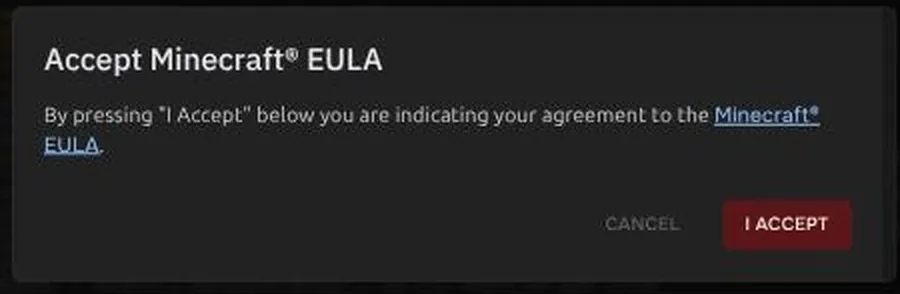
Section titled “Minecraft: accept the EULA”The first time you start a new Minecraft server, the Console shows an Accept Minecraft EULA dialog. Press I Accept so the server can run.
Console does not load
Section titled “Console does not load”If the console says it cannot connect, see Panel error messages.