Startup settings: command, Java version, and variables
Open Startup in the left menu. This page controls how your server starts. Changes apply the next time the server starts, so restart it after saving.
Startup command
Section titled “Startup command”The box at the top shows the command used to start your server. You can edit it and press Save. Reset to Egg Default puts it back to the standard command for your game.
Docker image
Section titled “Docker image”Some games can run on different runtime images, for example different Java versions. This is an advanced setting. Change it only if a game or version asks for something specific.
Server variables
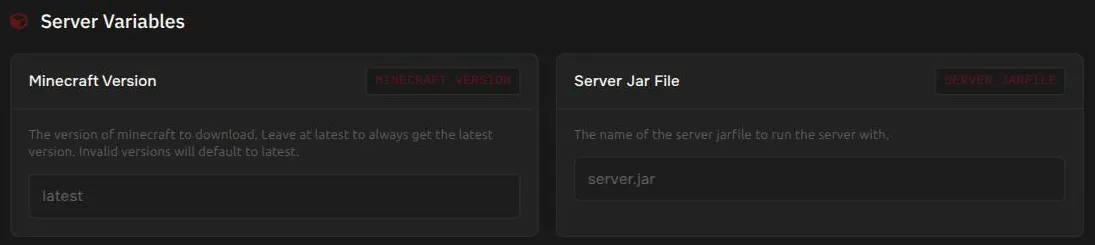
Section titled “Server variables”Server Variables are the settings your game exposes, such as the Minecraft version, a server password, or the maximum number of players. Each one has a short description. Change a value and save it.
Only some variables can be edited. The ones you can change depend on your game. For the list for each game, see the game’s page under Games.
Common changes
Section titled “Common changes”- Minecraft: Change your Minecraft version.
- Other games: find your game in Games.